High-speed track analysis
Using Cloud Analysis shortens track analysis time by up to 35%.*
*In-house research: Best track reading time (track analysis time for 500 tracks = 3 min, 58 sec) using track analysis settings: BPM and KEY.
Discover more
 rekordboxDJ software


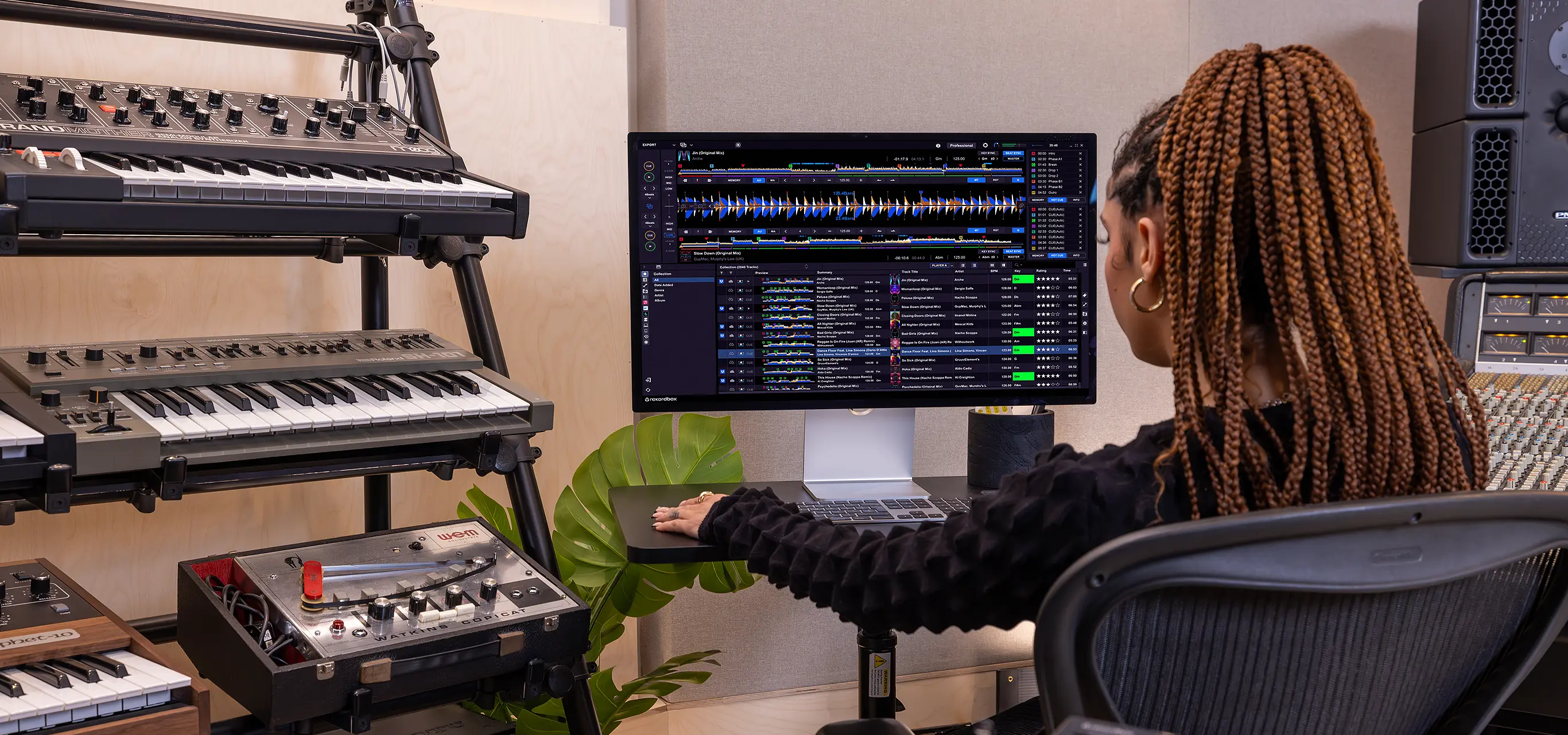
Everything you need to prepare, organize, and perform with confidence.
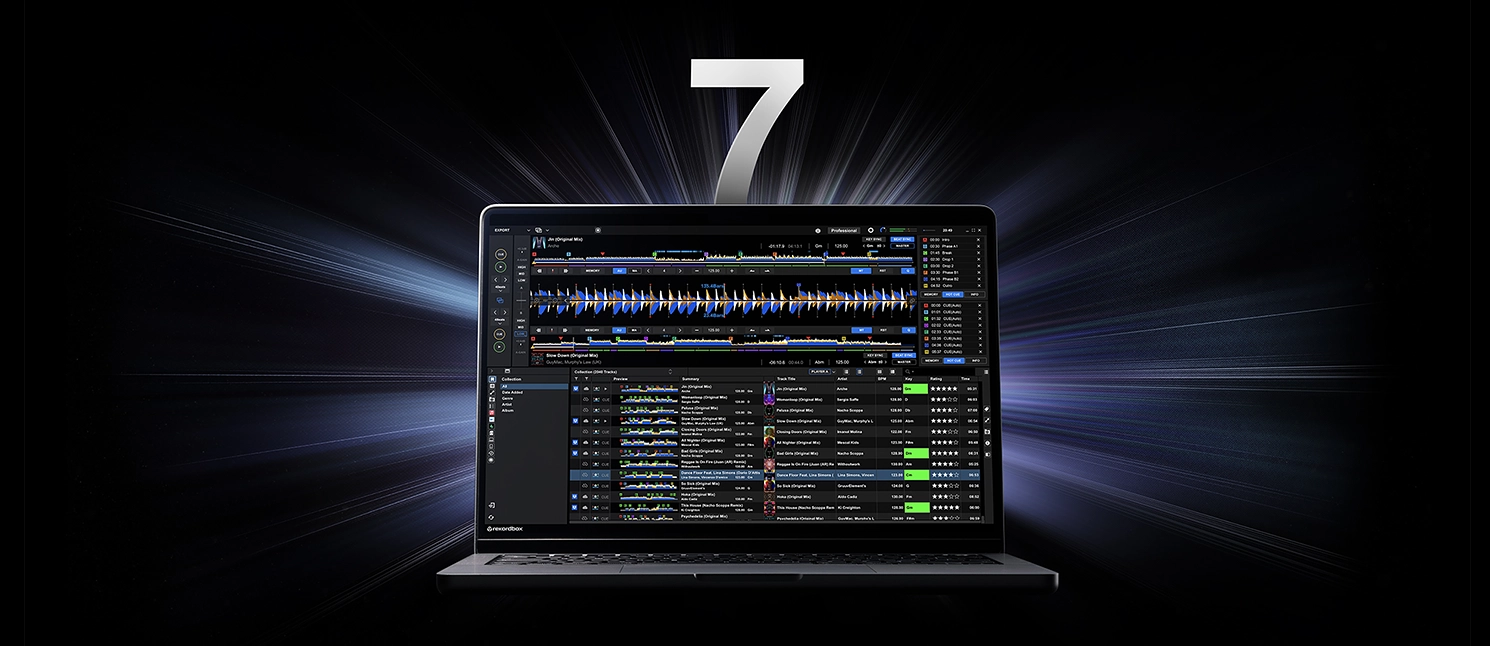
Using Cloud Analysis shortens track analysis time by up to 35%.*
*In-house research: Best track reading time (track analysis time for 500 tracks = 3 min, 58 sec) using track analysis settings: BPM and KEY.
Discover more
Cloud Library Sync can keep your music library up-to-date at all times. Sync up to 8 devices so you can prepare and manage your tracks anytime, anywhere.
*With the Professional plan.
Discover more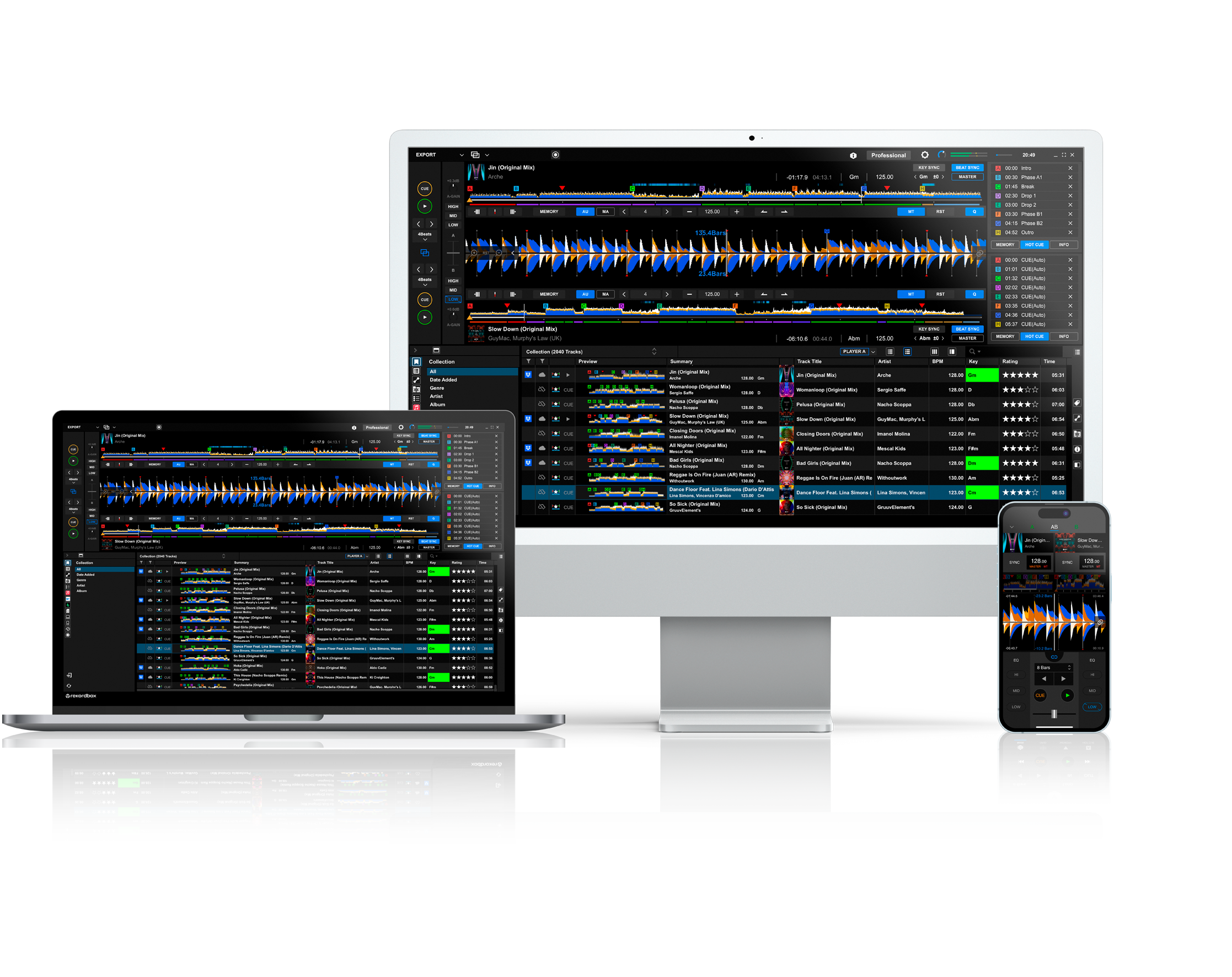
Isolate vocals, drums, bass, and instrumental parts, and play them separately.
Discover moreWith a compatible DJ controller and a USB cable or Bluetooth connection, you can perform on your hardware.
Discover moreIsolate vocals, drums, bass, and instrumental parts, and play them separately. On Windows, STEMS needs an Intel 8th generation CPU or AMD Zen+, plus 16 GB of RAM.
See the notesCloud Analysis shortens track analysis time by up to 35%.
Publisher in-house note: 500 tracks took 3 minutes 58 seconds with BPM and KEY analysis.
See the notesCloud Library Sync keeps the music library current. The Professional plan syncs up to 8 devices, so preparation can move between computers.
See the notes
Cloud-managed tracks load on players and gear that support CloudDirectPlay.
See the notesA compatible controller connects with a USB cable or Bluetooth, and you perform on that hardware.
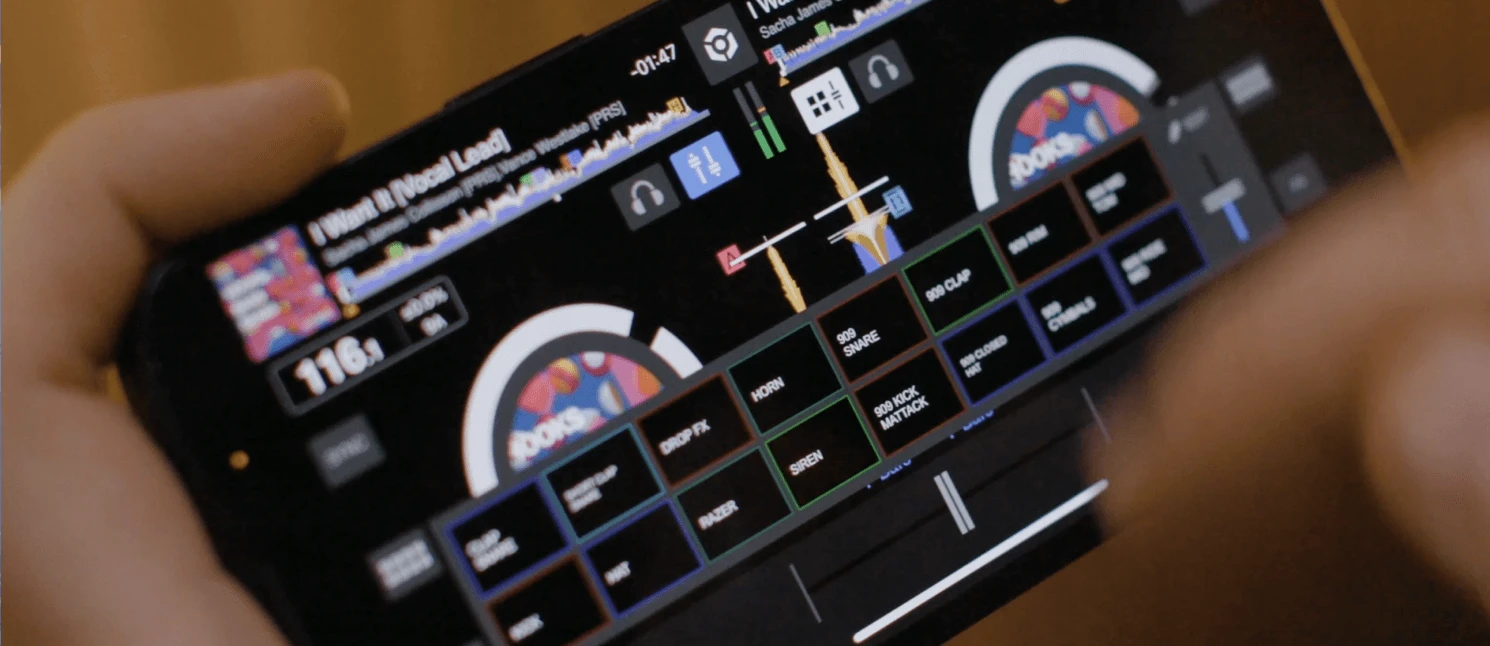
See the notesThe iOS and Android apps include performance controls and track management, alongside the PC and Mac application.
See the notesBasic features are free, and the publisher says the application has no ads.
See the notesFrom the phone apps you can edit cue points and beat grids while you are away from the computer.
See the notesThese sentences were published by the software maker next to these names. They are not reviews of rekordbox.net, and this site has no star rating of its own.
I love how rekordbox is as reliable as the Pioneer DJ hardware I play on, and that allows me to feel comfortable and stress free while I play.
rekordbox used to be my secret weapon when it first came out years ago. Now everyone uses it but it continues to evolve and get better and better.
rekordbox 6 is a life-saver. The security of knowing that all of your long hours of preparation and work is backed-up and accessible in the cloud is priceless.
rekordbox is essential for all my gigs.
rekordbox is a key tool for arranging my sets and playlists on the fly. Mixing in key, searching for artists and labels, and so much more. I love it!
rekordbox allows me to do most of the hard work before I even get to a show, the combination of hot cues, hot/auto loops and organisation is what makes my DJing style possible.
My experience with rekordbox has been great. It gives me access to features that encourage my creativity and help me get better results from my sets.
rekordbox allows me to organize and tag my music for maximum usability in the club. And I use 2 Player mode to test track combos: it's so convenient.
rekordbox is so user-friendly, it makes my gig prep a breeze. I've even integrated the Export Loops function into my music production. Love it.
rekordbox handles tedious tasks so I can focus on creative ideas. Nothing beats how it can sort 5,000 songs on a USB stick by BPM or key, accurately!
We love rekordbox. We organize all our music that way! And if there's ever an issue, the customer service is amazing.
I really enjoy rekordbox. I love Edit mode and I use Cloud Library Sync, which helps me work on my library more efficiently while on tour.
With rekordbox, in just minutes, I can make track edits, prepare my mixes, and design the journey through emotions that I want the audience to feel.
Nothing is more important than reliability, and rekordbox wins that category every time. It has made DJing fun again.
rekordbox is one of my favorite DJ tools. It's so important in keeping an organized and deep library that can be updated easily.
Not only is rekordbox essential to me from a DJing point of view, but I also use it in the studio environment. It's indispensable, period!
rekordbox is an essential part of my workflow. Adding color coded hot cues helps me DJ more spontaneously and re-arrange songs on the fly, so I use that pretty much every day.
I do a lot of detailed preparation and practicing in rekordbox, so it's as much a part of my DJ sets as the live performance. Having saved cue points and loops is key to making unique, precise blends possible. I also use custom tags and smart playlists based on my own definitions of mood.
I'd be screwed without rekordbox. It's as close as you can get to the old days of carrying vinyl around, but without the exertion!
rekordbox just keeps getting better! As an organizational tool, it is very user friendly and essential for my dj sets. The true power lies with its added features that allow you to also use rekordbox as a production assisting tool as well as my record collection platform.
Coming Soon
rekordbox in action
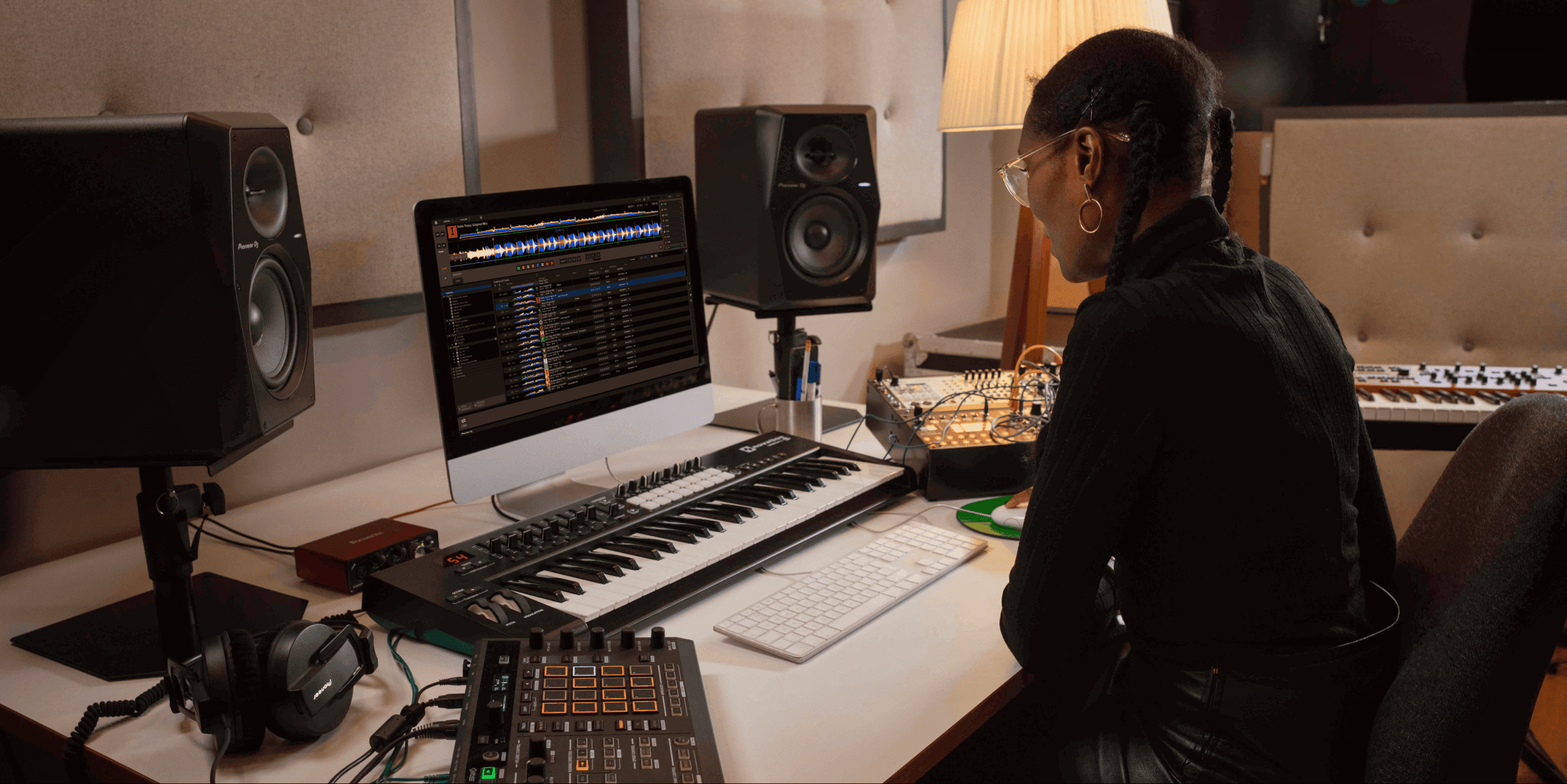
The short version
rekordbox is DJ software from AlphaTheta. You analyze tracks, set cue points and beat grids, build playlists, then either export to USB or SD for CDJ and XDJ players, or play in PERFORMANCE mode.
Version 7.2.19, posted on 24 September 2026, adds support for SoundSwitch lighting automation from inMusic, plus stability fixes. A Free plan exists, and the publisher says basic features carry no ads. Paid plans are Core, Creative, and Professional. Full-library Cloud Library Sync is a Creative and Professional feature. Free and Core can sync up to 20 tracks in a trial playlist.
People come here to check the 7.2.19 download notes before they install: operating systems, plan limits, and the official rekordbox installer the download button provides.
From the track list to the booth
Analysis
Track analysis reads BPM and key. Cloud Analysis can shorten that pass. The publisher's in-house note says the best reading time for 500 tracks, BPM and key only, was 3 minutes 58 seconds, up to 35 percent shorter with Cloud Analysis. From version 7.2.16, vocal-position detection is available on every plan, including Free. Phrase data also feeds Intelligent Cue Creation on plans that include it.
Cues
Saved cue points and loops are how prepared blends stay precise. Version 7.2.14 added SMART CUE. Version 7.2.16 added Sort Hot Cues by time: right-click a track, choose that command, and cues A to P move into time order. The publisher warns that the sort cannot be undone. Comments and colors stay with the positions on the waveform. The plan comparison lists 16 hot cue spaces.
Playlists
Custom tags and smart playlists sort a library by your own mood words, not only by genre. A collaborative playlist can include up to five other accounts, editing order, BPM, grid, and cue data together. Collection Filter, Column View, and Playlist Search are part of the shared EXPORT and PERFORMANCE tools, with owner registration turning a Free plan display into Free Plus for a subset of those tools.
Export and performance
EXPORT mode prepares Device Library and, on current players such as CDJ-3000X, OneLibrary. PERFORMANCE mode plays on the computer, with mouse and keyboard on the Free plan and DJ-equipment control on Core and above, or with a Hardware Unlock device. EDIT mode, for tightening intros and outros, is listed with the Creative plan. DUAL PLAYER, two decks linked so you can check a mix, is an EXPORT tool and is also part of owner registration on Free.
One library, several surfaces
Statement
Mobile Library Sync moves tracks and playlists between a computer and a phone on the same network. Cloud Library Sync does that through Dropbox or Google Drive on the same AlphaTheta account. The cloud guide asks for about 20 Mbps up and down. One person, not a shared library between several DJs.
Readout
EXPORT is the prep room: analysis, cues, related tracks, and the files a player will read. PERFORMANCE is the live desk: decks, sampler, effects, and, on the right plan or Hardware Unlock device, a controller. EDIT is the trimmer for intros, outros, and vocal placement, listed with Creative. Lighting control is a further layer. Version 7.2.19 talks to SoundSwitch. DMX gear named on the plan table includes DDJ-FLX10, RB-DMX1, and an ENTTEC interface, with the interface list narrower on Free.
Full width
STEMS splits a track into stems and lets you mute or solo them. From 3 December 2025 (version 7.2.8) you can choose 3 stems (vocal, instrument, drums) or 4 stems (vocal, instrument, bass, drums) under Preferences, Extensions, STEMS. Active Stem, Stem ISO, and Stem FX are the named controls. On Windows, STEMS wants an Intel 8th generation CPU or an AMD Zen+ or newer, and 16 GB of RAM. The whole application still needs an AVX2 CPU.
Plans, as the publisher lists them
These rows come from the publisher's plan comparison and plan FAQ. Where a cell says not stated, that source did not give the fact.
| Criterion | Free | Core | Creative | Professional |
|---|---|---|---|---|
| Computers in the purchase terms | Not stated | 3 | 4 | 8 |
| Cloud Library Sync devices | 3 | 3, or 4 with Cloud Option | 4 | 8 |
| Full library in the cloud | No. Up to 20 tracks in the trial playlist. | No. Same 20-track trial playlist. | Yes | Yes |
| DJ equipment control in PERFORMANCE | Limited | Yes | Yes | Yes |
| EDIT mode, RMX effects, lyric, video | Not included in the Creative description | Not included in the Creative description | Yes | Yes, Creative features included |
| Vocal position on the waveform | Yes from 7.2.16 | Yes from 7.2.16 | Yes | Yes |
| Device library backup and collection auto upload | No | No | No | Yes |
| STEMS keyboard shortcut | Limited | Limited | Not in the Free/Core limit list | Not in the Free/Core limit list |
Plans
Dropbox 5TB included; for individuals or teams who want to manage their music.
Monthly conversion$30USD/month
Payment amount$360USD/year$432 USD/yearSave $72 /year
Payment amount$36USD/month
Professional Plan - 3-Month Free Trial Campaign
*Product registration of the XDJ-AZ, OMNIS-DUO, or OPUS-QUAD is required to enter.
For people who want to manage their music anytime, anywhere, in addition to play more creatively.
Monthly conversion$23USD/month
Payment amount$276USD/year$336 USD/yearSave $60 /year
Payment amount$28USD/month
For people who want to manage their music anytime, anywhere, in addition to play with a variety of DJ equipment.
Monthly conversion$19USD/month
Payment amount$228USD/year$276 USD/yearSave $48 /year
Payment amount$23USD/month
For people who want to manage their music anytime, anywhere, in addition to basic music management features and DJ experience.
Monthly conversion$9USD/month
Payment amount$108USD/year$132 USD/yearSave $24 /year
Payment amount$11USD/month
These amounts are the publisher's listed prices. This site does not take payment.
Trust
AlphaTheta Corporation publishes rekordbox. The address on the license is 6F Yokohama i-Mark Place, 4-4-5 Minatomirai, Nishi-ku, Yokohama. The end user license, last updated 4 March 2025, is a limited personal license. It is not an open source grant. Since version 6.0 you do not need the old license-key card that shipped with some hardware. Hardware Unlock is a separate list of players and mixers.
rekordbox.net does not sell subscriptions. The Windows and macOS buttons on the download page start the official rekordbox installer download.
Short answers
A Free plan exists, and the publisher says basic features have no ads. PERFORMANCE on Free and Core is limited. Full-library Cloud Library Sync is not in those two plans: the cap is 20 tracks in a trial playlist. Core, Creative, and Professional are paid. This site does not list prices.
Yes. The published system list includes Windows 11 and Windows 10 with the latest service pack, plus macOS Tahoe 26, Sequoia 15, Sonoma 14, and Ventura 13. You still need an AVX2 CPU, 8 GB of RAM (16 GB for STEMS and Groove Circuit), and a display of at least 1280 x 768.
SmartScreen can show "Windows protected your PC" during an update. The publisher's steps are: choose More info, confirm the publisher reads AlphaTheta Corporation, then choose Run anyway. The install guide repeats those three steps.
The application lists ALAC, FLAC, WAV, AIFF, MP3, and AAC. Club players are stricter. A 96 kHz FLAC file that rekordbox can analyze may still be rejected by an older XDJ. The format table is on the features page.
No. This is an independent informational site. It is not affiliated with or endorsed by AlphaTheta. The download buttons start the official rekordbox installer download.
Release 7.2.19
Windows 10 or 11, or a current macOS from the supported list. No file size is printed on the official release note we checked, so none is printed here.
Open the download page